uisper
 by kaiomp
Hold a key, speak, let go. Clean text lands in whatever app you are typing in.
About
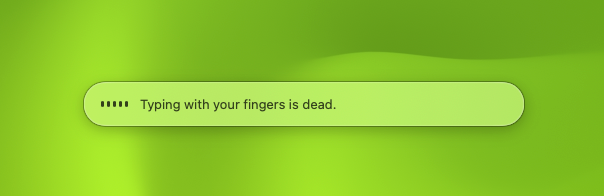
A native macOS menu bar app for dictation that runs entirely on device. Speech to text uses Apple's SpeechAnalyzer, streaming words into a pill as you talk; the raw transcript is then rewritten by the small model behind Apple Intelligence, which fixes punctuation and grammar, drops fillers and false starts, and applies self-corrections before the text is inserted at your cursor. No accounts, no cloud, no telemetry — nothing leaves your Mac. Requires an Apple silicon Mac on macOS 26 or newer.
Key features
- 01
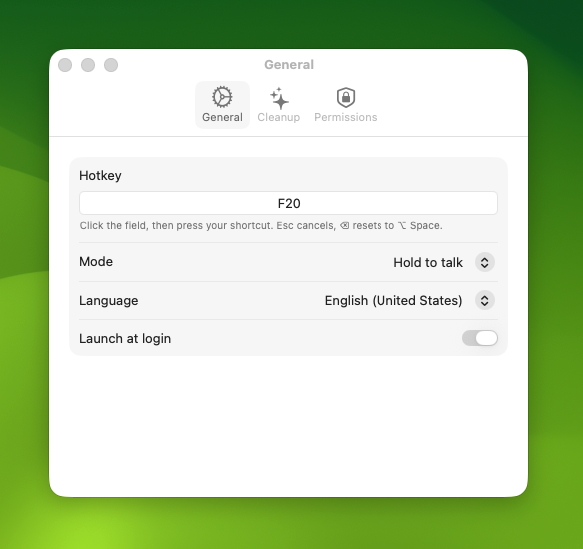
Hold-to-talk or press-to-toggle, on any hotkey you record by pressing it
- 02
On-device speech to text with Apple SpeechAnalyzer — words appear as you talk
- 03
Apple Intelligence cleanup: punctuation, grammar, fillers, self-corrections
- 04
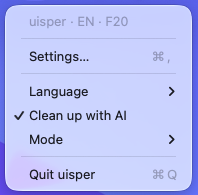
English, German and Brazilian Portuguese, switched from the menu bar
- 05
Personal vocabulary list, spelled the way you told it to
- 06
Works in every app, including Chrome and Electron, through a paste fallback
- 07
Password fields are respected: with secure input on, the text goes to the clipboard
Use cases
- — Dictating prompts and messages instead of typing them
- — Anyone who wants dictation that never sends audio off the machine
- — Writing in a second language where cleanup does the punctuation for you
Screenshots